
ComfyViews for Business
A welcoming screen for your lobby
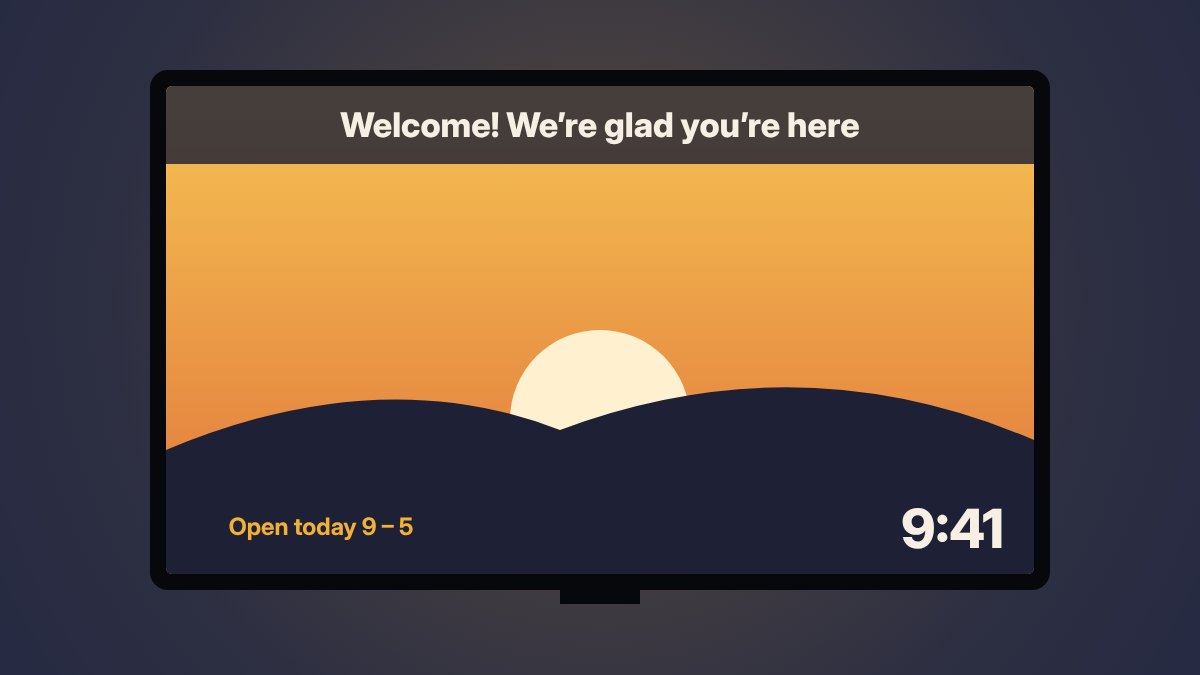
Turn the Apple TV you already have into a friendly display for your lobby, hallway, dining room or fellowship hall. Your welcome, today’s schedule and the menu, over your own photos or your brand color.
Made for places like yours
Pick the kind of place you are and ComfyViews sets everything up in one step, with sample messages ready for you to edit.
Businesses
Welcome guests in your lobby, waiting room or shop: a guest Wi-Fi code, opening hours that switch to Open or Closed on their own, and your news and offers.
Schools
Today’s bell schedule with what’s next, the lunch menu, a scrolling announcements ticker and a countdown to the next break.
Senior living
Today’s activities and meals in big, easy-to-read type, visitor Wi-Fi in one scan, and gentle reminders and good news.
Churches
Service, class and fellowship times, weekly announcements, a countdown to special services and a “Give Online” code.
Non-profits
Your mission and thank-yous, “Scan to Donate” and volunteer sign-up codes, and a countdown to your next big event.
Set it and leave it
Whenever ComfyViews opens it goes back to your display on its own, and a passcode lock keeps staff and visitors from changing anything.
All on one screen
- Banner messages: a floating card, a soft band or a scrolling ticker
- Today’s schedule: classes, services, activities and what’s next
- A menu for the day or the whole week
- Up to four QR codes: Wi-Fi, donations, your website or any text
- Your Google, iCloud or Outlook calendar of events
- A countdown to the next big day
- Opening hours and world clocks
- Your name and tagline, over your photos or your brand color
- A screen lock, so everything stays as you set it
Up and running in minutes
- Install ComfyViews on your Apple TV and open Business mode.
- Pick your kind of place. Everything is set up with sample messages, a schedule and QR codes.
- Make it yours. Type your name, messages and hours, choose your photos or brand color.
- Lock the screen and let it run. It comes back to the display by itself.
Not sure yet? Every kind of place has a free demo in the app.
Simple pricing
Try Business mode free for a week. After that it’s one subscription, and it works on every Apple TV signed in to the same Apple Account.
Monthly
$7.99/ month
One-week free trial, then billed monthly. Cancel anytime.
Yearly
$79.99/ year
One-week free trial, then billed yearly. About two months free compared with monthly.
Prices in US dollars; the App Store shows the price in your country before you subscribe. Subscriptions renew automatically until cancelled in your Apple TV’s Settings › Users and Accounts › Subscriptions, at least 24 hours before renewal. See our Terms of Use and Privacy Policy.
Questions about using it at your place?
We’re happy to help you figure out if ComfyViews fits your lobby, school or church.
[email protected]